The product

Everything Clario does, one screen at a time.

A file explorer that understands AI projects, commands that speak your language, documents you can comment on, and a team of agents always ready. Screenshots arrive with the preview: meanwhile, the textures below are generated by the same engine as the app.

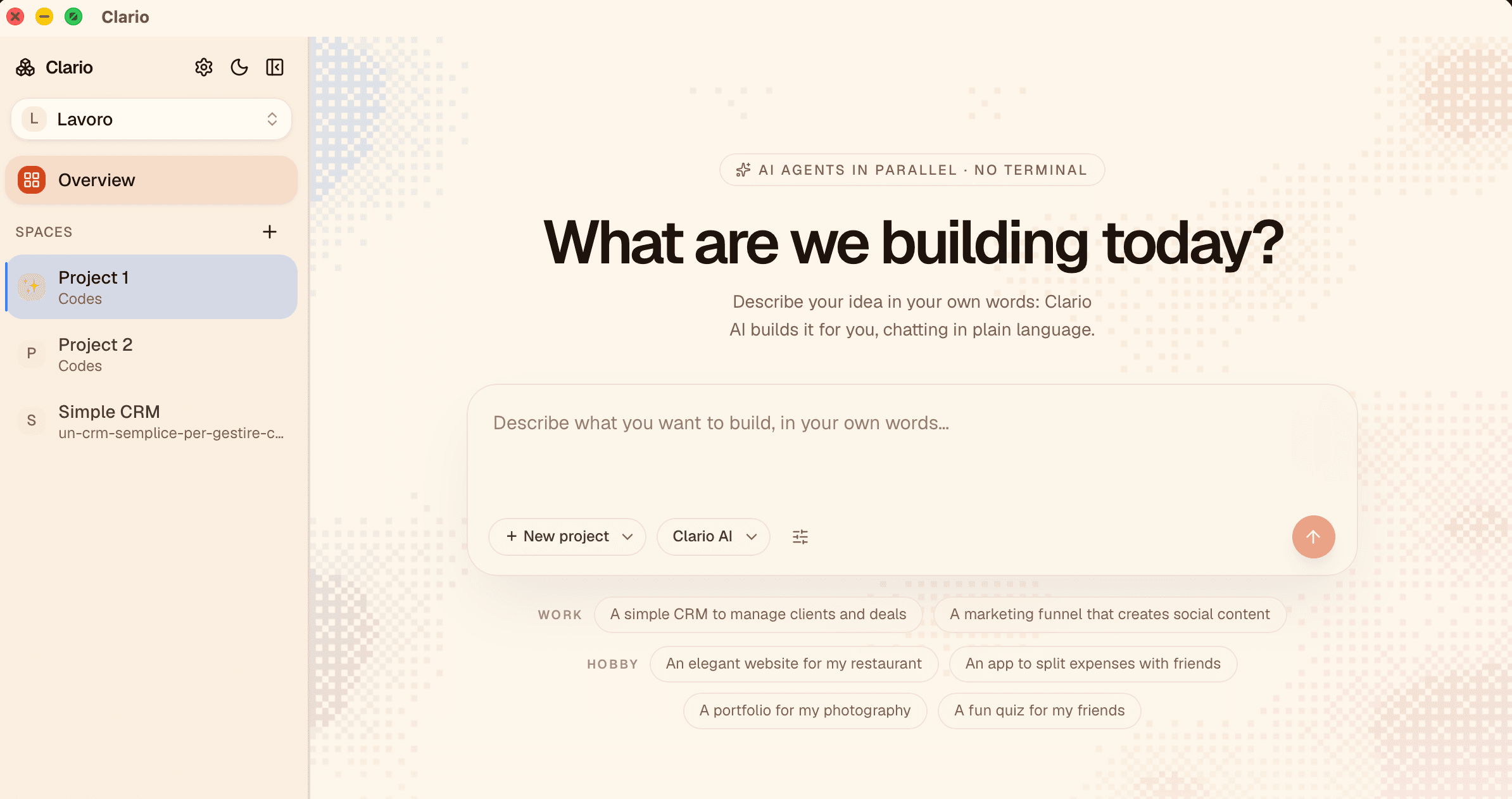
A room for everything you do.

Workspaces group your work by context: the website, the thesis, the company. Inside, spaces are side-by-side tabs, each with its own navigation and terminals. Switch spaces and find everything exactly as it was: even the scroll position.

  • Name, icon and color customizable with a right click
  • Agent sessions stay alive between spaces
  • Snapshots to save and restore entire working sets
clario
Screenshot coming soon
The workspace switcher and the spaces in the sidebar.

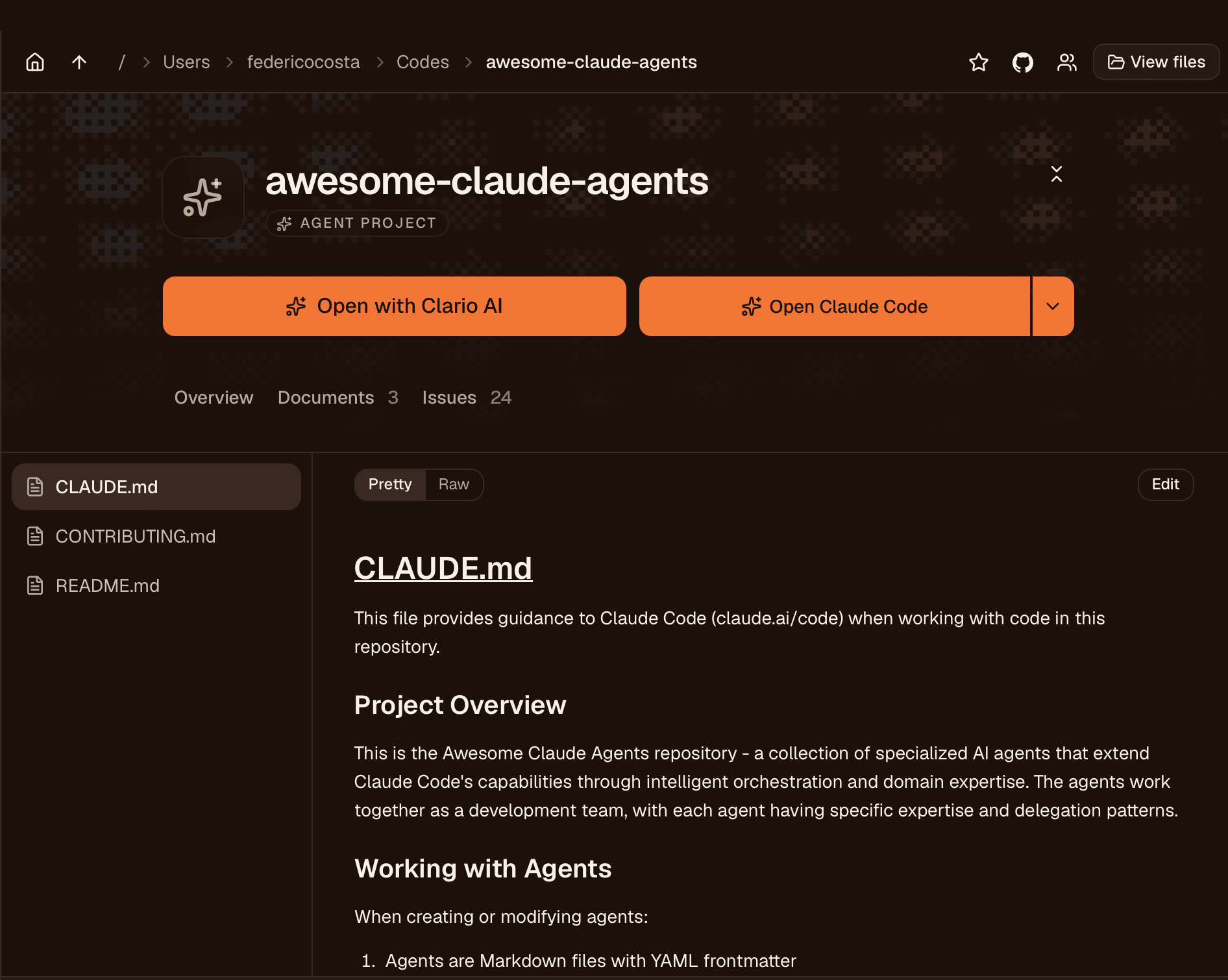
Clario knows what a project is. You don't have to.

A folder with an AI instruction file automatically becomes a project: a dedicated icon, a signature background texture, a dashboard with everything at hand. No setup, no import: just open the folder.

  • Recognizes CLAUDE.md, AGENTS.md and GEMINI.md on its own
  • Every project gets its own generative texture: you spot it instantly
  • Suggests the right agent for each project
clario
Screenshot coming soon
The project grid, each with its own visual signature.

“npm run dev” becomes “Start the site”.

A project's technical commands are translated into plain language and ranked by importance: the three that matter are big buttons, the rest stay one click away. Next to them, the TODO checklist and the shortcuts you create yourself.

  • Plain-language descriptions, not developer acronyms
  • Shared project TODOs, saved in the folder itself
  • Custom buttons for the actions you repeat often
clario
Screenshot coming soon
The available commands, explained and clickable.

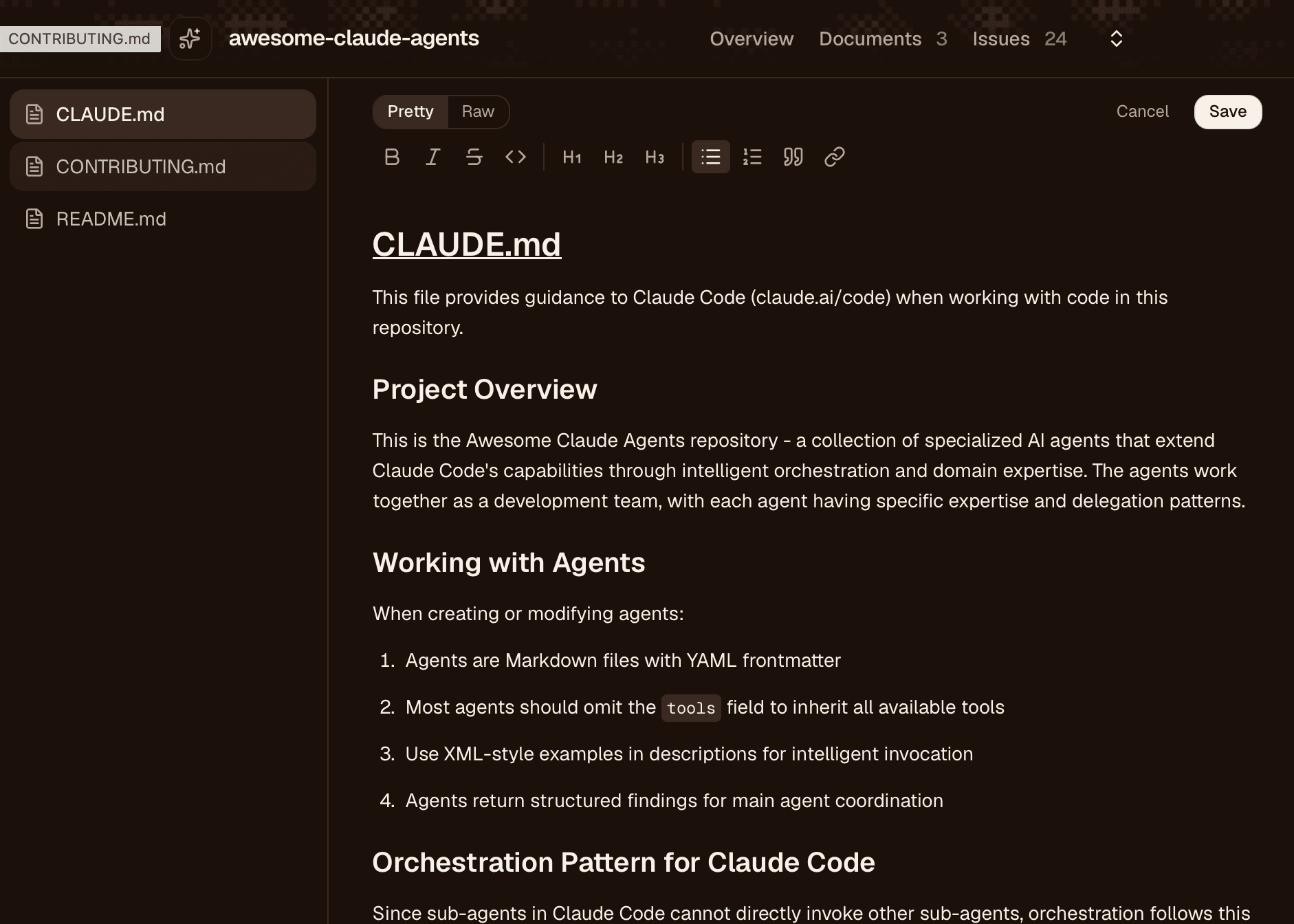
Documents you can read, and comment on.

Markdown and PDFs open inside Clario, beautiful to read. You can edit visually or in raw mode, save, and leave comments anchored to the text: the simplest way to tell the agent (or a colleague) what to change.

  • A visual editor for people who don't want to see syntax
  • Comments anchored to the text, saved with the project
  • Built-in PDF preview
clario
Screenshot coming soon
A document with comments in the margin.

The terminal is there. But it knows its place.

Under every view lives a collapsible terminal panel, for when you really need it. It's a real terminal (colors, sizes, everything), but it's never the first thing you see. Warp in reverse: files first, command line second.

  • Parallel, persistent sessions, one per agent
  • Opens only when you call it
  • Each session keeps its scroll and its history
clario
Screenshot coming soon
The terminal panel, summoned when needed.

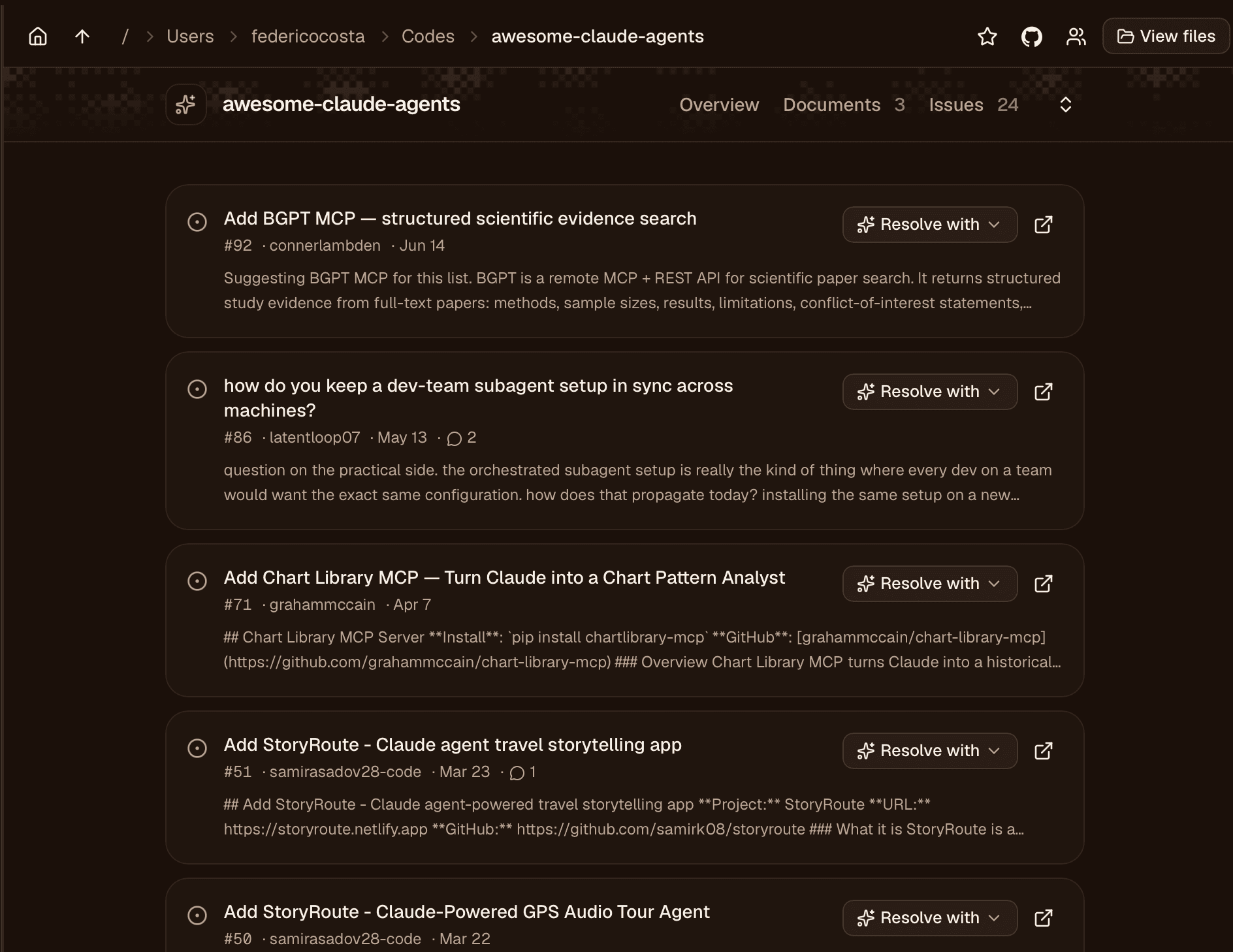
From folder to repository, no ceremony.

Create the repository on GitHub with a wizard, read issues in the dashboard, invite your team: operations that usually take ten steps are one button here. And if you prefer the browser, “Open on GitHub” is always there.

  • “Create on GitHub” wizard with automatic first commit
  • Project issues right in the dashboard
  • Collaborators and invitations from the Team panel
clario
Screenshot coming soon
The repository's issues and team, inside Clario.

Want to see it live?

The private preview opens to small groups. The sooner you sign up, the sooner it's your turn.

Join the waitlist