Browse, don't type
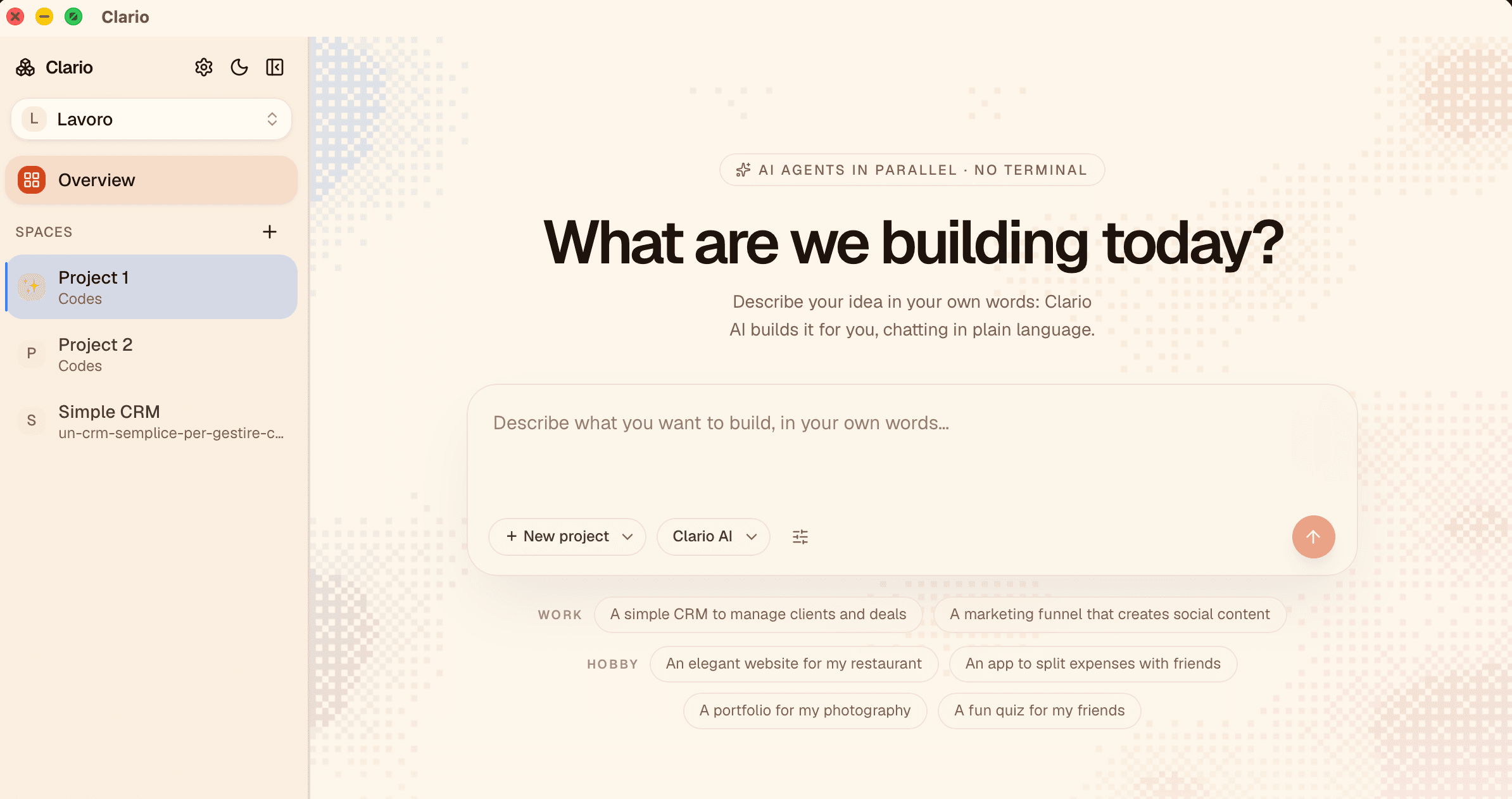
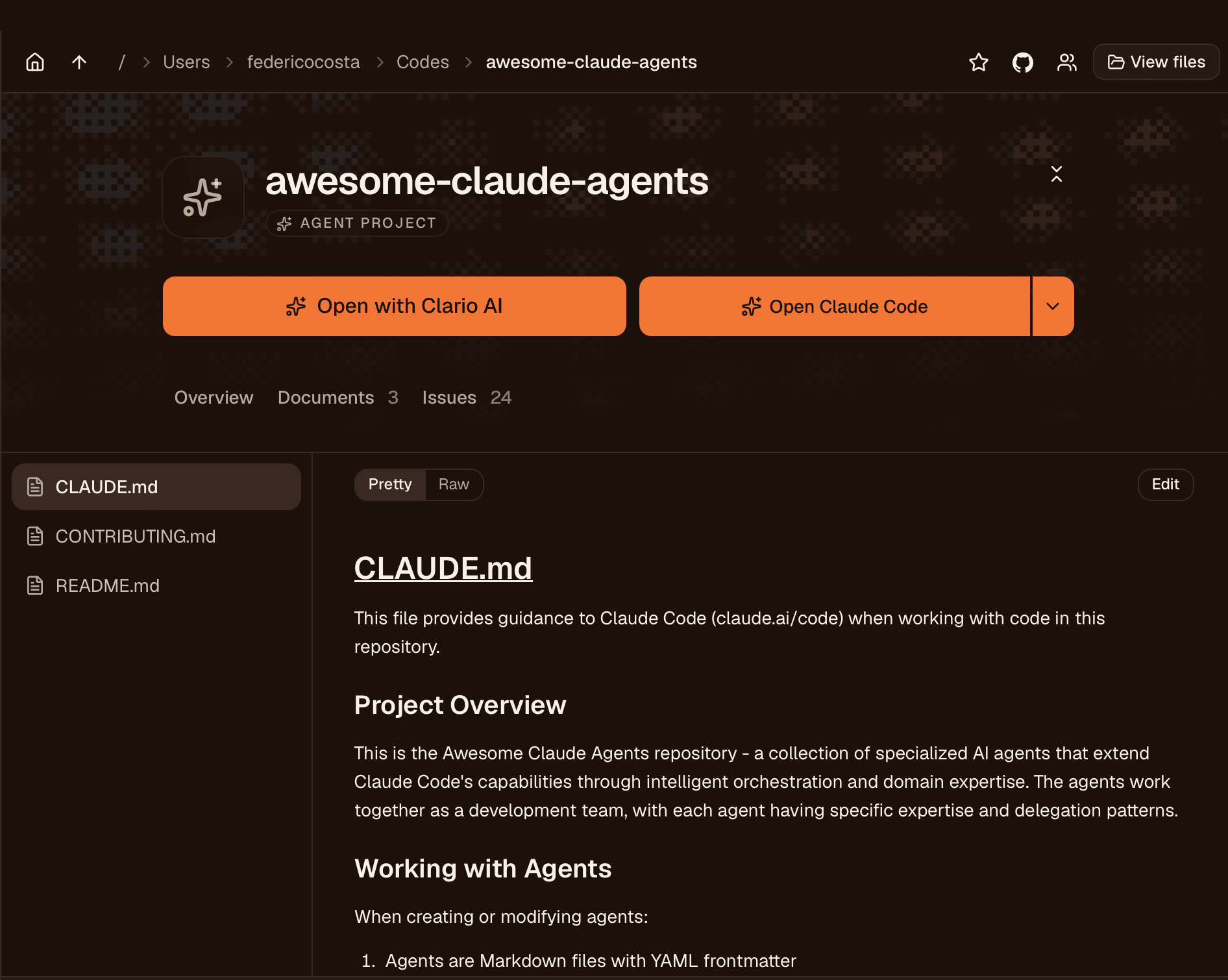
Folders and files are explored by clicking, like a rethought Finder. Clario recognizes AI projects and available commands on its own, and shows them to you as buttons.
Clario is the visual workspace where Claude Code, Codex, Gemini and OpenCode work for you, in parallel, with a click. Built for people with ideas to build, not commands to learn.
Three simple ideas
Folders and files are explored by clicking, like a rethought Finder. Clario recognizes AI projects and available commands on its own, and shows them to you as buttons.
Claude Code, Codex, Gemini and OpenCode work side by side in separate sessions. You switch between them like browser tabs.
Workspaces and spaces with a name, an icon and a color. Every project gets a background texture generated from its name: you recognize it at a glance, like a signature.
How it works
Clario understands what's inside: projects, documents, commands. Nothing to configure.
“Start the site”, “Open Claude”, “Create on GitHub”: technical actions become buttons with a clear name.
The background breathes while the agent writes. You comment on documents, tick off TODOs, set the direction.
Multi-agent
Each agent runs in its own session, with its own background texture. Sessions stay alive when you switch workspaces: you come back, and everything is where you left it.
We're opening Clario to small groups so we can listen to every piece of feedback. Leave your email: we'll only write when it's your turn.